> ## Documentation Index
> Fetch the complete documentation index at: https://docs.joinyellowbrick.com/llms.txt
> Use this file to discover all available pages before exploring further.
# Browse the feed
> Filter Home for pitches that match your strategy, then open a write-up with company context.
Home is where you hunt for ideas. Filter the list until it matches how you invest, then open a pitch when one looks worth the time.
## Open Home
Sign in and go to **Home**, or open [next.joinyellowbrick.com/home](https://next.joinyellowbrick.com/home).
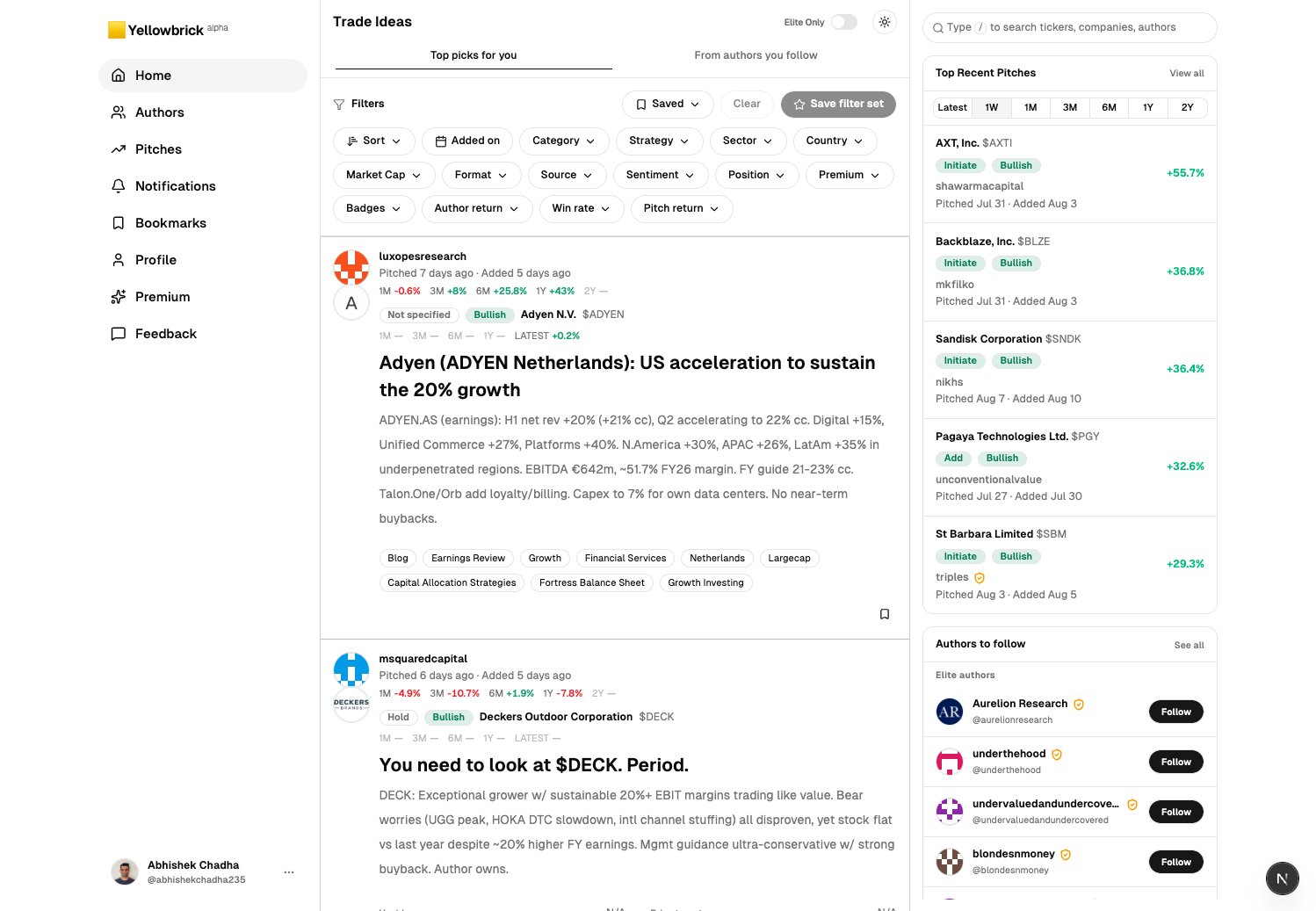
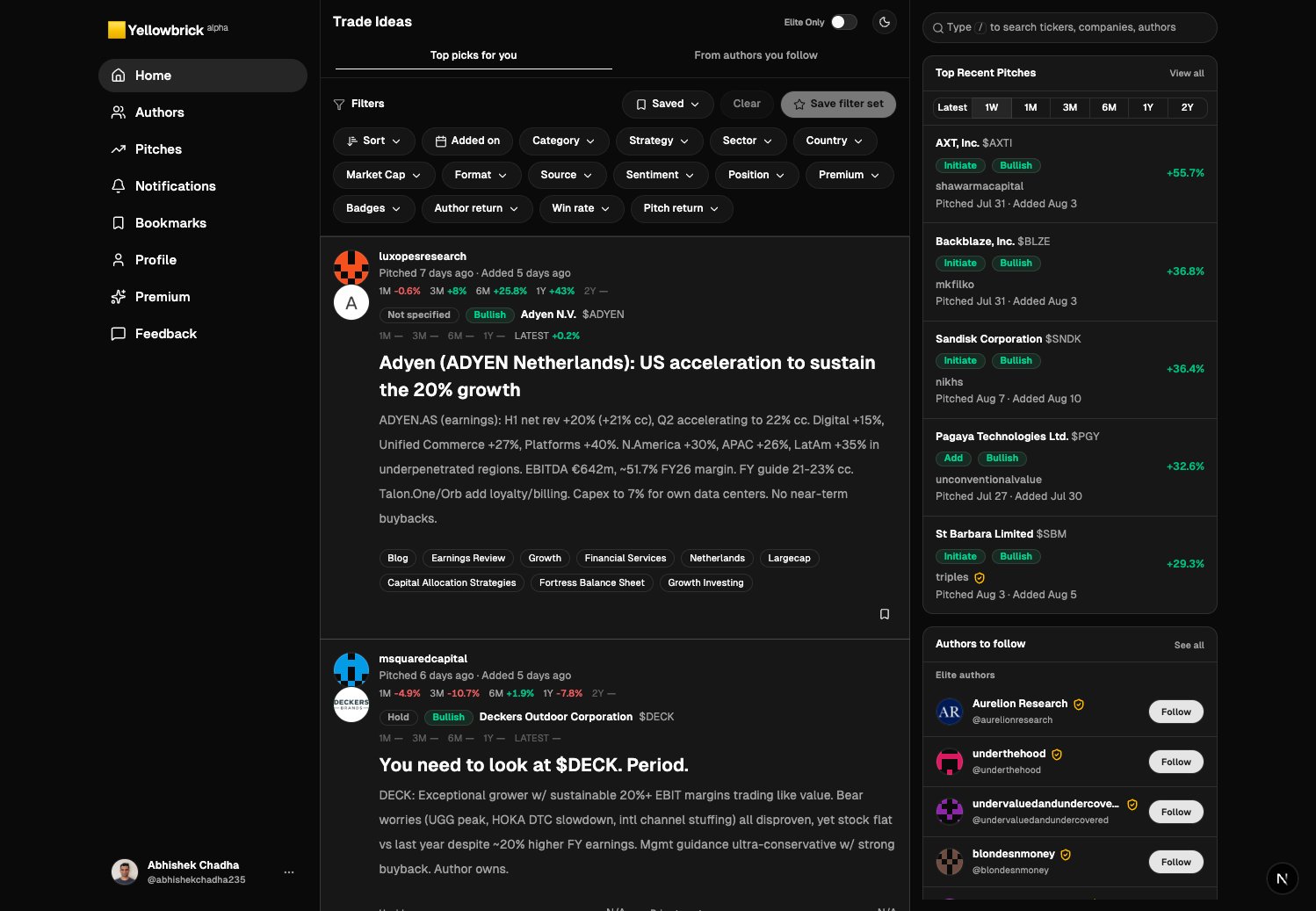
Two tabs sit under **Trade Ideas**:
* **Top picks for you** is the full feed.
* **From authors you follow** is only people you already follow.
 ## Filter the list
Stay on **Top picks for you** until you follow people. Switch to **From authors you follow** when you want a quieter list.
Click a chip such as **Strategy**, **Sector**, **Market Cap**, **Sentiment**, **Author return**, or **Win rate**. Combine several. **Clear** removes them. **Save filter set** keeps a combination you reuse.
**Elite Only** is a [Premium](https://next.joinyellowbrick.com/premium) switch. It limits the feed to pitches from **Elite** authors. Rising authors are not included. Turn it off when you want the full feed. See [Elite and Rising](/guides/follow-authors#elite-and-rising).
Focus the search box in the right rail, or press `/`. Jump to a ticker, company, or author.
The right rail also lists **Top recent pitches** by realized return for a window you pick (1W, 1M, and so on). Use it when you want names that already moved.
## Open a pitch
Click a card, or **View pitch details**.
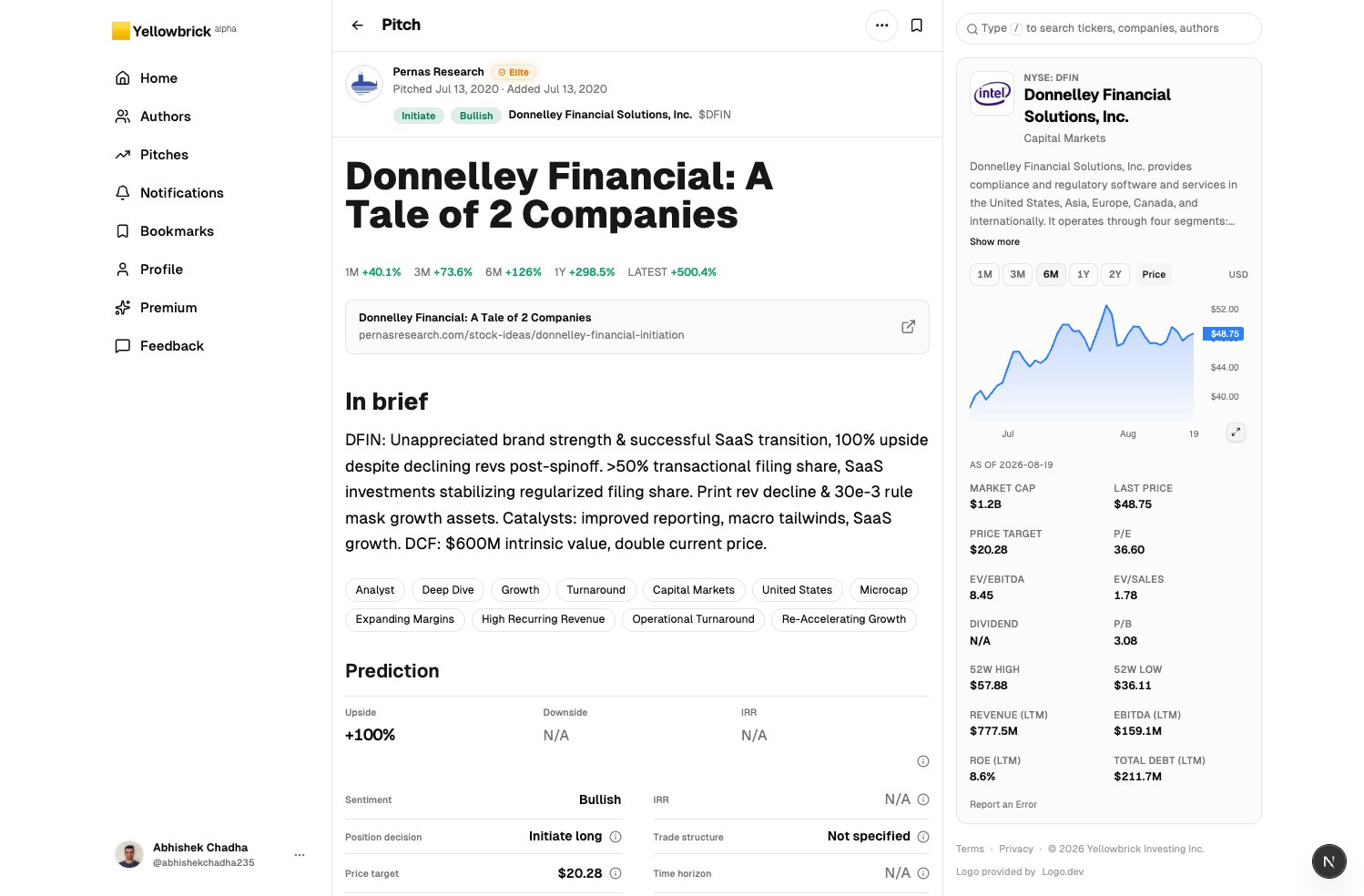
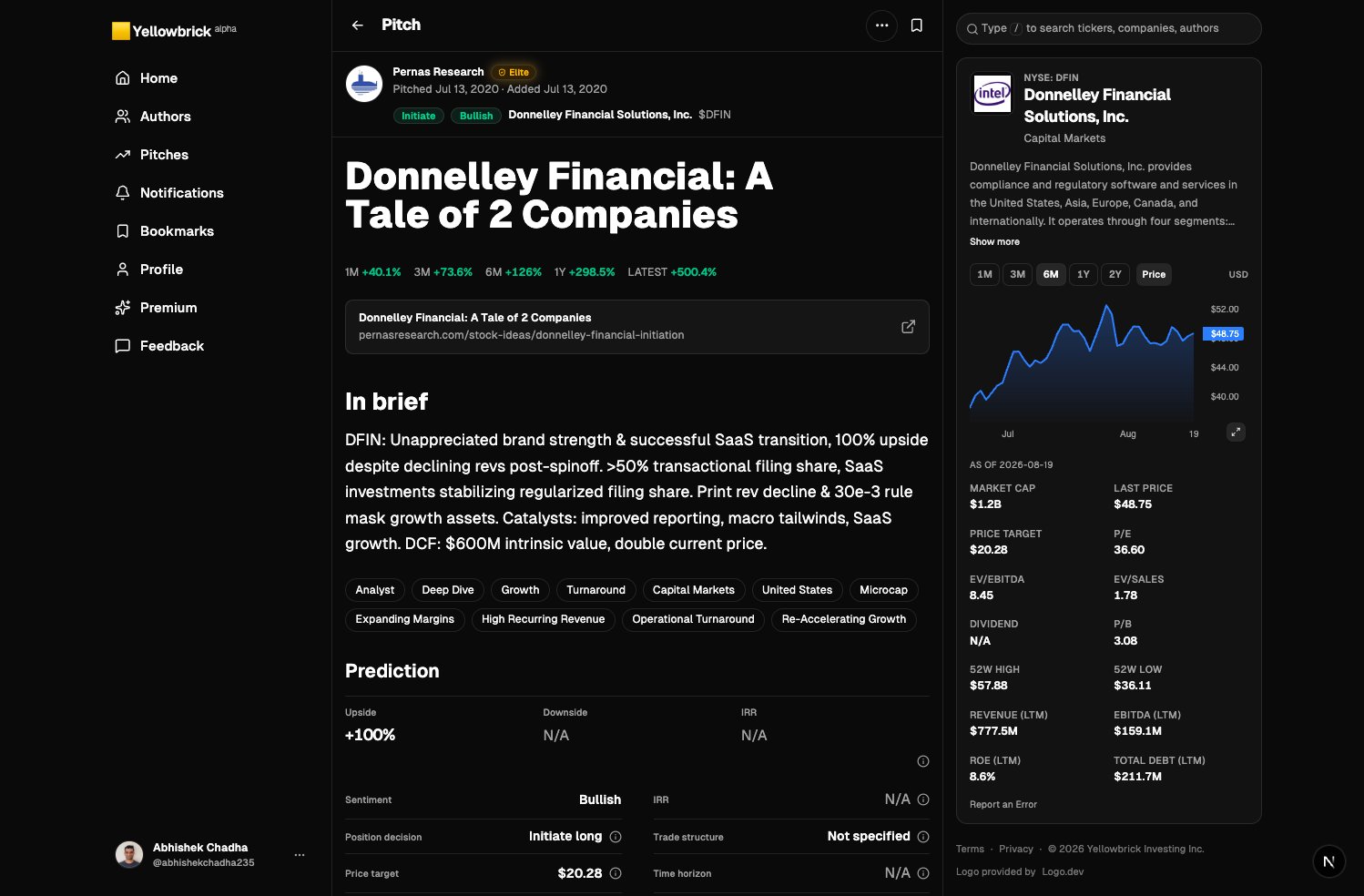
The page has three columns:
* Left: app navigation.
* Center: author, dates, sentiment, title, brief, tags, and monitoring notes.
* Right: company description, price chart, and fundamentals.
## Filter the list
Stay on **Top picks for you** until you follow people. Switch to **From authors you follow** when you want a quieter list.
Click a chip such as **Strategy**, **Sector**, **Market Cap**, **Sentiment**, **Author return**, or **Win rate**. Combine several. **Clear** removes them. **Save filter set** keeps a combination you reuse.
**Elite Only** is a [Premium](https://next.joinyellowbrick.com/premium) switch. It limits the feed to pitches from **Elite** authors. Rising authors are not included. Turn it off when you want the full feed. See [Elite and Rising](/guides/follow-authors#elite-and-rising).
Focus the search box in the right rail, or press `/`. Jump to a ticker, company, or author.
The right rail also lists **Top recent pitches** by realized return for a window you pick (1W, 1M, and so on). Use it when you want names that already moved.
## Open a pitch
Click a card, or **View pitch details**.
The page has three columns:
* Left: app navigation.
* Center: author, dates, sentiment, title, brief, tags, and monitoring notes.
* Right: company description, price chart, and fundamentals.
 From here you can:
* Open the **author** name to see their full record.
* **Bookmark** the pitch.
* Click the source link if you want the original post.
If the pitch is locked, see [Subscribe to authors](/guides/subscribe-to-authors).
Next: [Follow authors](/guides/follow-authors) so new work from people you trust shows up without hunting.
From here you can:
* Open the **author** name to see their full record.
* **Bookmark** the pitch.
* Click the source link if you want the original post.
If the pitch is locked, see [Subscribe to authors](/guides/subscribe-to-authors).
Next: [Follow authors](/guides/follow-authors) so new work from people you trust shows up without hunting.