

Open Home
Sign in and go to Home, or open www.joinyellowbrick.com/home. Two tabs sit under Trade Ideas:- All Pitches is the full feed.
- From authors you follow is only people you already follow.
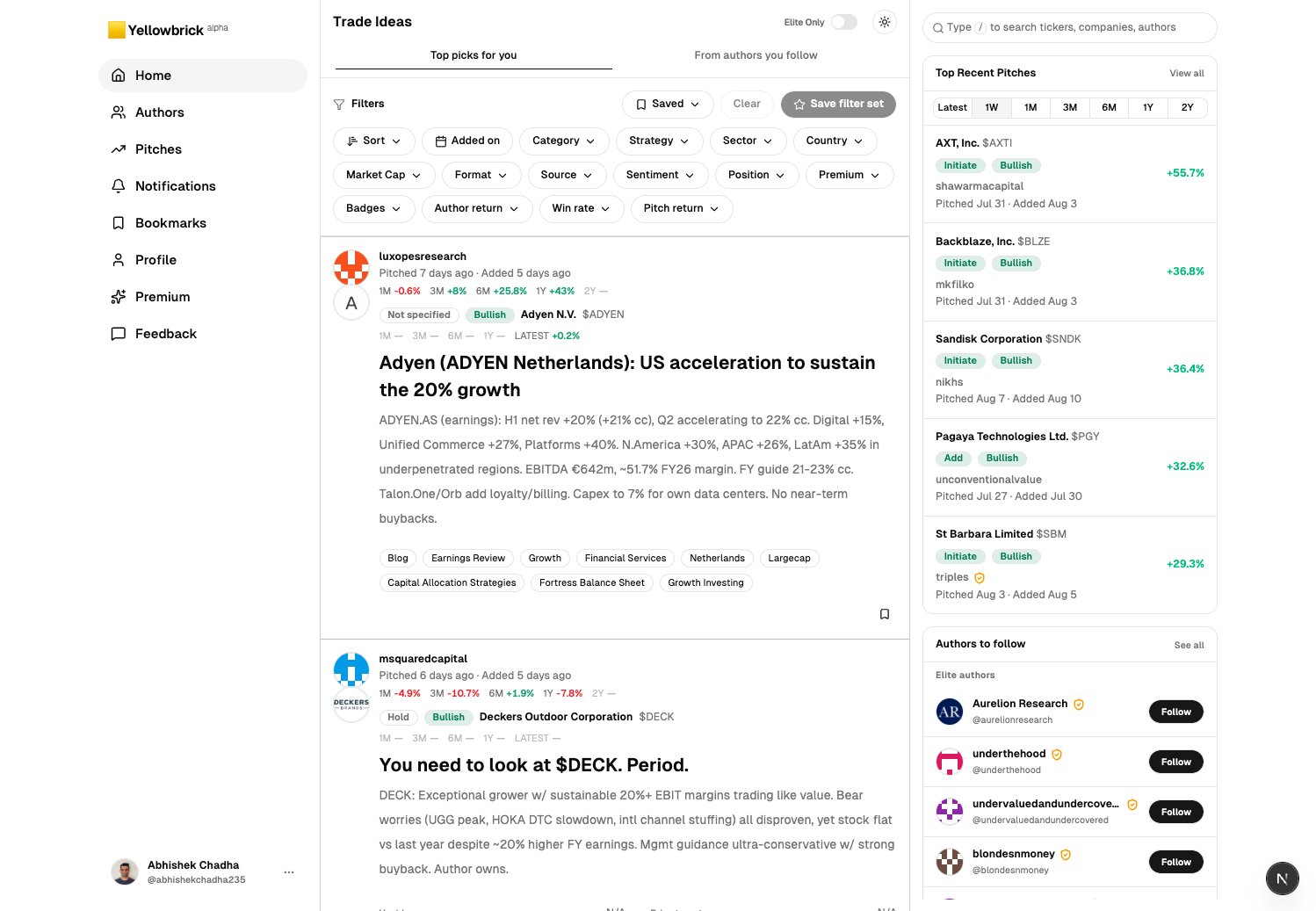
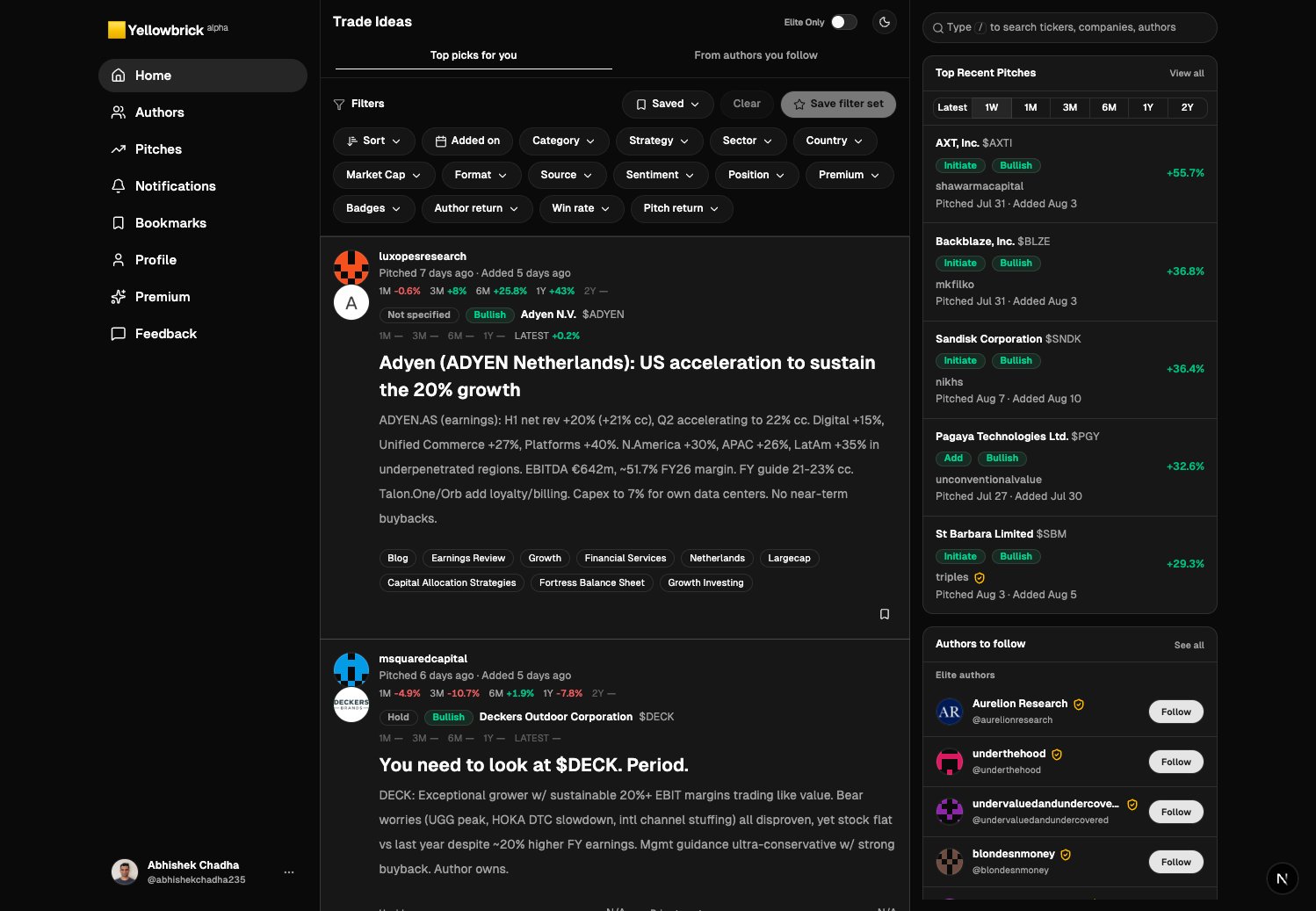
Filter chips sit above the cards. Elite Only is in the header. Search is in the right rail.
Filter the list
1
Pick a tab
Stay on All Pitches until you follow people. Switch to From authors you follow when you want a quieter list.
2
Use the filter row
Click a chip such as Strategy, Sector, Market Cap, Sentiment, Author return, or Win rate. Combine several. Clear removes them. Save filter set keeps a combination you reuse.
3
Turn on Elite Only
Elite Only is a Premium switch. It limits the feed to pitches from Elite authors. Rising authors are not included. Turn it off when you want the full feed. See Elite and Rising.
4
Search
Focus the search box in the right rail, or press
/. Jump to a ticker, company, or author.Open a pitch
Click a card, or View pitch details. The page has three columns:- Left: app navigation.
- Center: author, dates, sentiment, title, brief, tags, and monitoring notes.
- Right: company description, price chart, and fundamentals.
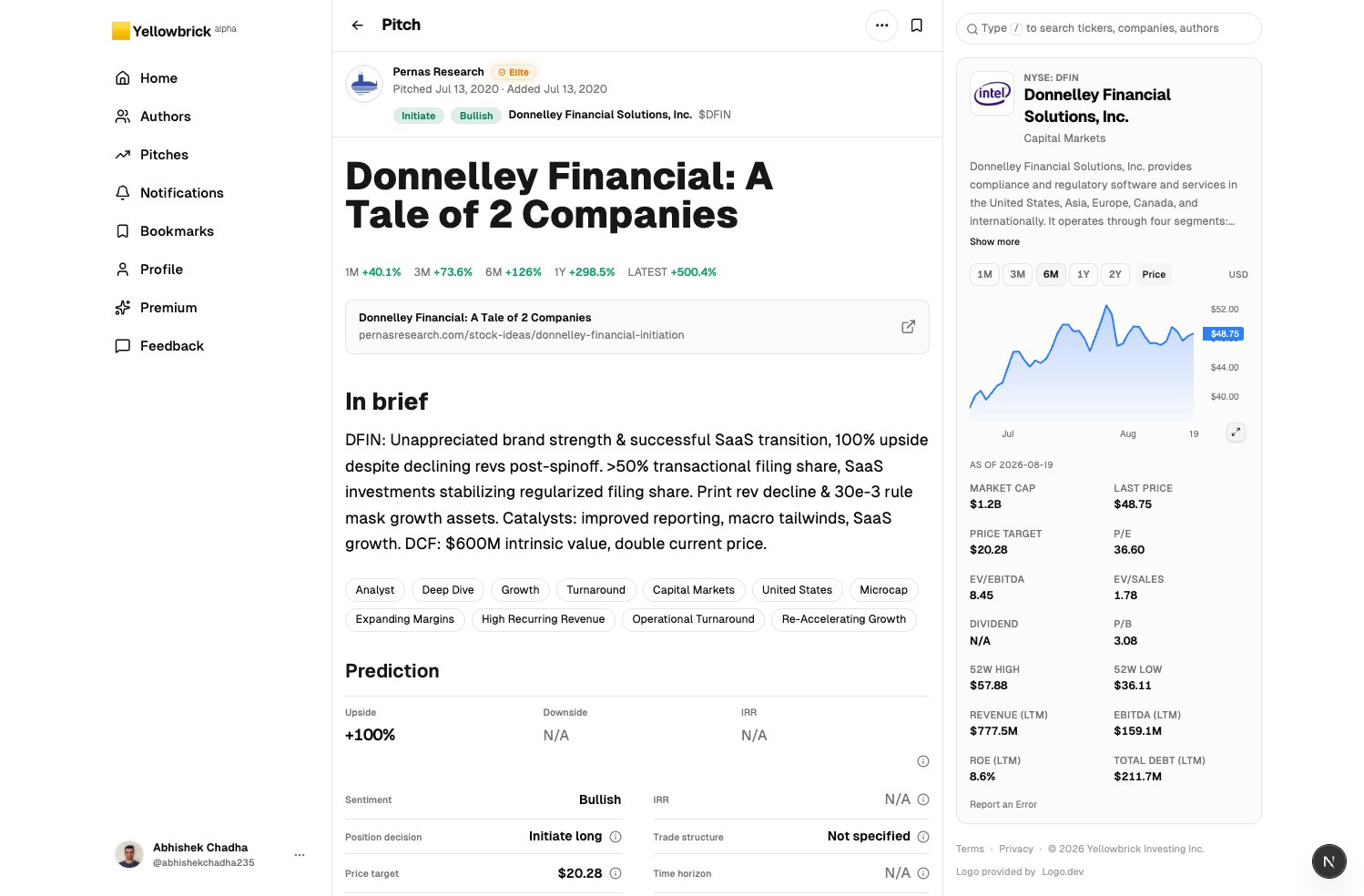
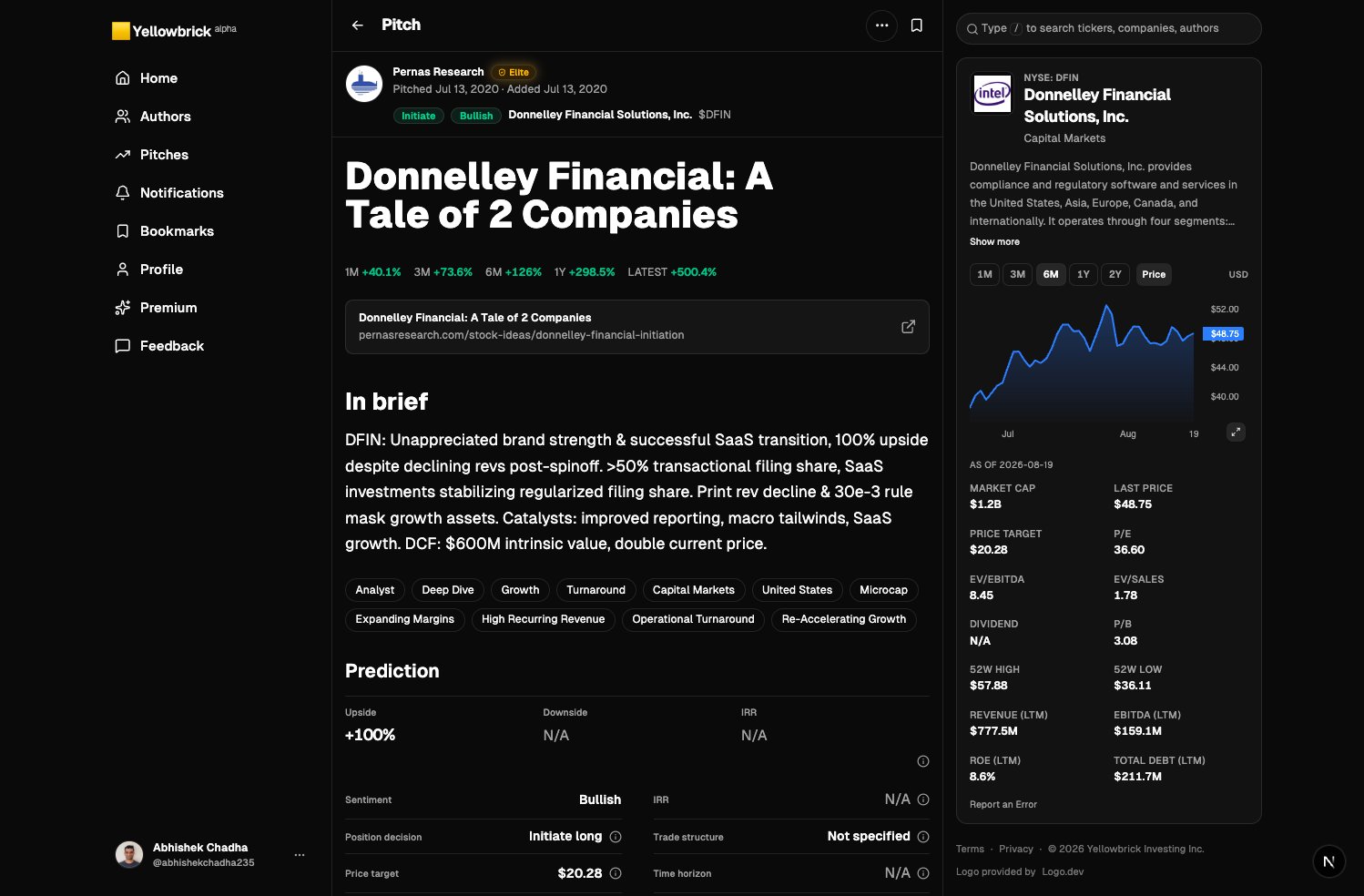
A pitch page pairs the write-up with a live company rail: price, chart, and stats.
- Open the author name to see their full record.
- Bookmark the pitch.
- Watch the company from the hover card (Premium). See Watch companies.
- Click the source link if you want the original post.
Next: Follow authors so new work from people you trust shows up without hunting.